I use Audiobookshelf (abbreviated ABS) for all my legal audiobooks that I bought legally, and I really like it. I also use the Smart Audiobook Player (abbreviated SABP) Android app, which I also bought (legally this time) to listen to books, because it has the strongest featureset out of all the apps I’ve tried, particularly when it comes to navigating around books. Unfortunately, there’s one problem: SABP can’t synchronize my reading progress with the ABS server, which is inconvenient for me. I use SABP when cycling or walking, but use other apps that integrate deeply with ABS (mostly Lissen and ABS’s own app) on my car’s Android console, and the lack of syncing between the two is a major pain.
The ABS-compatible apps are mostly open source, and what better way to contribute to open source than to submit some patches that add the features I like? “However”, I thought, “why not not do that, and instead see if I can add Audiobookshelf syncing to the app?”
“Yes”, I decided, “this sounds reasonable, despite SABP being a closed-source Android app, a platform with which I have zero familiarity”. What I do have familiarity with, though, is telling Claude what to do and steering it along. Therefore, I decided I would do the impossible, and use LLMs to add ABS syncing to SABP!
The first step was to see whether this is possible at all.
Seeing whether this is possible at all
Android apps come as APKs, which are just zip files containing bytecode.
The first thing I did was to ask Claude to decompile the app (even though I didn’t really know if that was possible, or how it was done).
Luckily, all this required was to run apktool and jadx on the files in the APK.
apktool is a utility that turns bytecode into a textual representation (called smali) so that it can be edited.
This is a lossless, reversible process (which means you can edit the resulting code and recompile it back into the app), but the textual representation is basically assembly, and pretty hard to work with.
jadx, on the other hand, decompiles to (hopefully) readable Java, but is useful only for illustration; you can’t recompile it back into an app, and you can’t really edit it in any way.
Some developers use obfuscation tools (like ProGuard) to make their decompiled code much more opaque and hard to read.
So, the question at this stage was whether the app could be decompiled, and how readable the resulting output would be.
Running the tools gave some promising results:
The app was fairly readable, with even human-readable class names having been partially preserved!
A lot of the code was obfuscated, with names like u0, j0, M, but I lucked out and enough relevant code was readable that I didn’t have to spend hours piecing things together.
This was encouraging, but I still didn’t know whether I could easily inject syncing code into the app.
Tracing code paths
To begin my due diligence, I asked Claude to trace whether there was a point where we could add a hook to send our position to the server.
After a bit of digging around, it discovered that one function, PlayerService.u0(), was being called by every code path that saved progress to disk:
regular ticks, pauses, file changes, backgrounding, they all saved progress using it.
The existence of this code path was a stroke of luck, as it meant that I had found a natural point to hook my progress updating into, but Claude did a lot of work to verify that the code paths actually converged.
This was great, we found a single spot where we could hook things, but how could we do the hooking itself? We can’t edit or recompile the decompiled Java, and smali, which we can edit and recompile, is a real pain to write anything significant in.
Still, though, the impossible was slowly drifting within my reach.
The ABS API

Also, banger book.
The second part of due diligence was to see for myself how the ABS API worked, so I knew what to send in the payload if I ended up being able to hook into the syncing. I sent a few requests by hand, but kept getting some weirdness. The times I was submitting didn’t match what I was getting back, and the progress indicator was out of sync with the submitted position in seconds. This was surprising to me, because I know ABS progress syncing works fine with other apps.
After some trial and error, I realized that during my testing I had accidentally set isFinished to true on the book I was testing with, and ABS was resetting the progress when the book transitioned from “finished” to “not finished”.
This is a surprising thing to happen, since I’d expect the server to reset when I’m going the other way (i.e. when I finish the book), but I guess the rationale is that I’m starting the book fresh if I mark isFinished as false on an already-finished book.
When I used a non-finished book as the target, the API started responding reasonably, and I had all the info on the endpoints I needed, with their payload shapes, which I gave to Claude. It’s important for me to do this sort of experimentation myself, as often edge cases will be hiding in these API contract boundaries, and I want to build a good mental model of how the change will work before I ask the LLM to implement it.
Hooking into the app
Having the API calls was good, but writing smali code to perform an HTTP request and send/receive JSON would still be taxing work, even for an LLM, and I couldn’t really help here. Luckily, Claude knew that Android makes modding significantly easier than other platforms:
We didn’t have to write smali at all!
We could write all the syncing code in bog-standard Java, compile it with javac into bytecode, create the necessary classes2.dex file with d8 (which ships with the regular Android SDK!), and put that into the apktool tree.
Then, we just needed a tiny bit of smali code in u0 to jump to our compiled Java code, and everything should work:
invoke-static {p0, v0}, Lak/alizandro/smartaudiobookplayer/AbsSyncClient;->push(Landroid/content/Context;Lak/alizandro/smartaudiobookplayer/BookData;)V
This works because Android itself natively supports multiple dex files in one APK, so you don’t have to hack around anything.
The investigation was finished, but now we also needed to actually build the thing (an affair whose success was still not guaranteed).
Building the feature
Writing the code for this and compiling it into an APK was all Claude, with steering from me. You can read about my exact LLM workflow in my recent post, but it roughly consists of planning (using ticket to write… tickets), implementation, and review steps. Claude discovered that apktool 2.7.0 doesn’t like $-prefixed filenames in the resource table, and decided to use the original manifest, which was fine because we weren’t using custom resources. It also caught a timing bug in the smali patch, where it needed to call a function after another one was run, otherwise the BookData field would be stale.
These issues did affect the final implementation, and I was relieved that Claude is smart enough to catch and fix them.
Claude did a lot of heavy lifting here, and we ended up with ~550 lines of Java, and some smali magic with invoke-static to jump to our Java code.
Bugs the LLMs found
The code review phase was all LLMs (Opus 4.6/GPT-5.5), and it’s a step I never skip, as I’ve found that it catches most of the bugs.
In one case, Claude had written thirty lines of reflection code because it assumed a setter didn’t exist. The reviewer caught that the setter existed, and had Claude use it directly and remove the superfluous code. This is a pattern I see very frequently in LLM-assisted development, where one model will have big blind spots, leading to bugs or departures from the desired functionality. A second review pass with another model generally fixes this, though I’m not sure whether it’s because of different models spotting different things (like “you can’t spot your own typos” for LLMs) or because a second, focused review pass makes the model pay more attention. I suspect it’s a combination of the two.
The reviewer also caught a mistaken compression of the resources file, which would have caused the APK to silently fail to install on my device, even though it looked fine. There was also a race condition that was flagged and fixed in this step, and an instruction to clamp the end timestamp to the book’s length, though I would hope that this check happens on the server too.
Decisions I had to make
The codey bits having been done, I had to decide how to handle book matching and server configuration. I needed to make a decision on two things:
- The hostname and API key of the ABS server.
- The ID of each book on the server, so it can submit progress to the specific book without having to rely on name matching.
There were a few options, one of them being adding an “Audiobookshelf” section to the settings, and adding the server’s hostname and API key there, but this was too much work, especially trying to find call sites to patch into existing screens. For the book matching, Claude recommended that we do a lookup of the book by name every time we loaded progress, but that was brittle and would break with more than one book of the same name. I decided to use a config file in the book directory, which was a simple JSON file that looked like this:
{
  "serverUrl": "https://myserver.com",
  "api_key": "apikey",
  "minSyncInterval": 60,
  "books": {
    "book 1": "bd47d4b6-a9d2-4ac1-be2c-9b11fb684a82",
    "book 2": "1a343675-ea22-47db-a994-8ef29f5a40bb",
    "book 3": "ef800594-bfd3-4909-ba2e-42bbb6b8bf4b"
  }
}
This way, the app could load everything it needed with minimal fuss (the Java code could simply read this file at startup).
There was something that Claude didn’t catch, and actually recommended the opposite: Its advice was to only send the timestamp to the server if it was later than the server’s timestamp (ie if it was later in the book).
I pointed out to Claude that this would create a significant problem where, if you seeked to a later position for some reason, you’d never be able to come back from it. The app would keep syncing your position to the later one when loaded, and never update the server’s timestamp, effectively not only invalidating the syncing, but also forcing you to remember your position manually, which is quite a big regression from current functionality. This bug would also cause other apps to get their position overwritten with the later one every time SABP loaded.
Claude quickly agreed that this was an issue, and changed the code to sync all seeks.
Testing it out, I realized that Claude never retrieved the book’s position from the server at all. I pointed out here that this was necessary to avoid clobbering the position in other apps, because I might use Lissen (and progress there), go back to SABP, and have my (true) progress overwritten by the old position. This was a serious data loss issue that the LLMs completely missed, both in planning/implementation and in review, and an issue that human involvement solved.
The code was now in good enough shape to actually try out, which led to another problem.
App signing
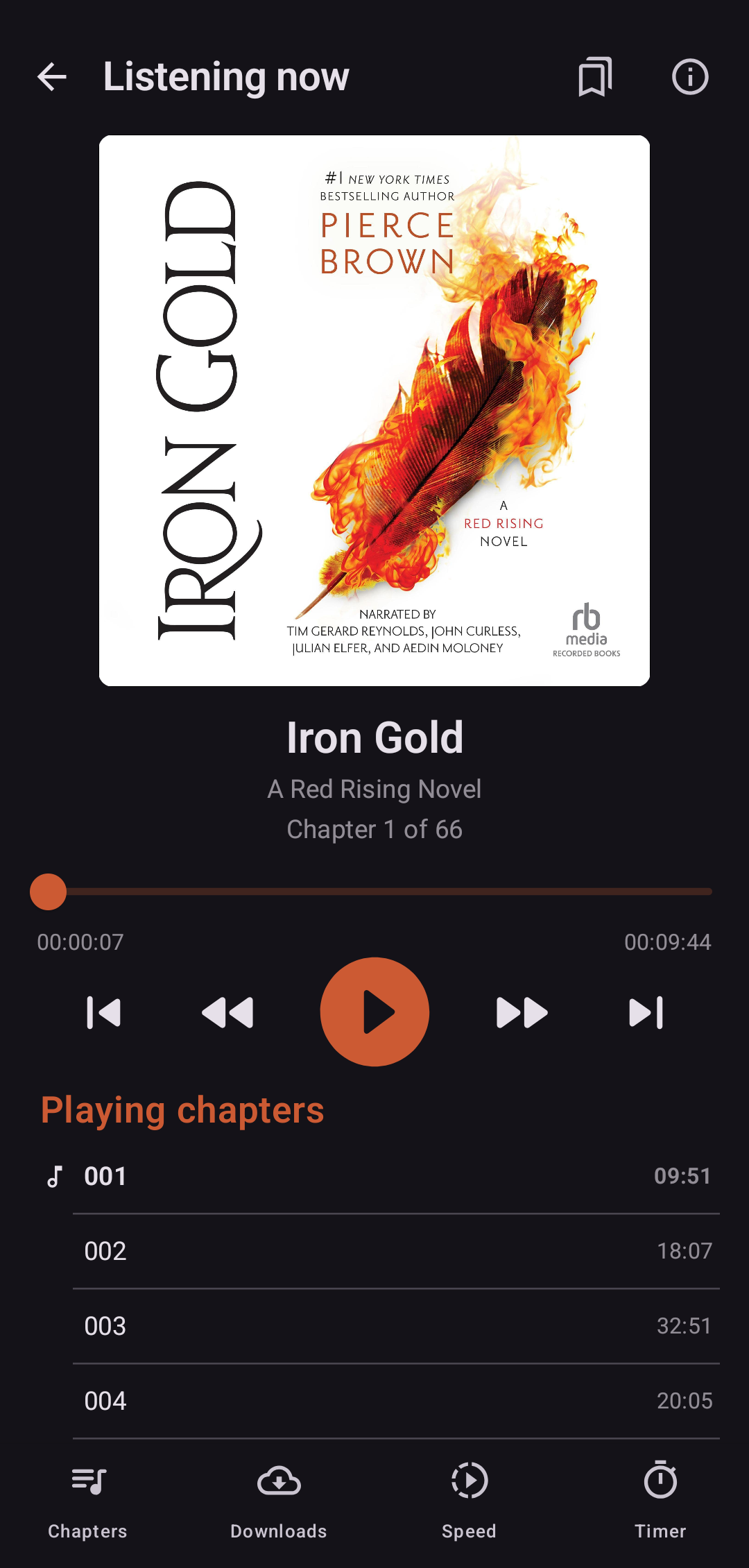
synced time from SABP.
Android, like basically any modern platform, requires apps to be signed by the developer before they can run. Unfortunately, I’m not the developer of SABP, which means I didn’t have access to the key used to sign the app.
This isn’t a big obstacle, since apps can be signed by any key (though Google is trying to force us to show them ID to run our apps on our devices), so I just created my own key and signed the recompiled APK with it using apksigner.
Unfortunately, this does have one downside:
The resigned app can’t be installed over the old one, you need to uninstall the old app (and probably lose data) and install the new one again.
I opened it up, I started playing a book, and verified that the ABS server position got updated. I didn’t even lose any settings, because SABP keeps its settings in a file next to the audiobooks, which wasn’t deleted when uninstalling.
When code is cheap, source access matters more
Modifying the application to add the feature I wanted worked fine, and, with the increased skill the LLMs gave me, the lack of source access didn’t block me (it merely posed a sizable problem). However, there was still significant friction (what with the decompile dance, smali, figuring out call sites, etc), and I got very lucky that the code wasn’t more obfuscated. Even after the functionality has been implemented, though, I can’t share the output, both because of potential legal issues and because it’s just a hassle and will break every release.
The journey was fun, and having an app that works how I want it is helpful, but there’s a wider point: Before LLMs, the code’s license didn’t matter much for end users wanting to modify their software. Whether the source was open or closed, the biggest reason people didn’t mod their software was just that they didn’t know how to. LLMs have expanded the candidate pool, and, now that many more people can write code that works, the availability of the source is the most important hurdle. The set of people who can now modify their software has increased by orders of magnitude, and includes people who always had good ideas, or good product sense, but didn’t have the skills to make them a reality.
In this example, the feature I implemented will be used by me, and basically nobody else, because closed-source software has close to no mechanism for change ingestion. Open source software has always had concrete ways to accept contributions from others, you’d simply make the change you wanted and submit it to the maintainers for inclusion/rework/feedback. This contribution process is even more important now that code can be generated orders of magnitude more cheaply, and the fact that it exists is an important advantage that open-source software has over closed-source.
When starting out, I thought this would be impossible, but each step turned out to be very doable. Where a few years ago only a handful of people could reverse engineer an app, now it’s within reach of the average developer with a free afternoon.
Epilogue
I’m really happy about the way this feature turned out, but this adventure only made me realize that open source software just aligns with my interests so much more. I’m going to do what I joked I wouldn’t at the start of this article, and switch to Lissen as my audiobook player. I hadn’t used it in a while, but, while writing this post, I fired it up again, and it seems to have gained a few features, plus it’s always been very well-designed and looks great.
I guess I’m not going to need SABP any more, but, well, the journey is the destination.